


SAMIS
SAMIS reporting, activity tracking, and data request workflows — turning ministry unit data into evidence that supports better decisions and stronger funding outcomes across Canada and Bermuda.
What is Research & Statistics?
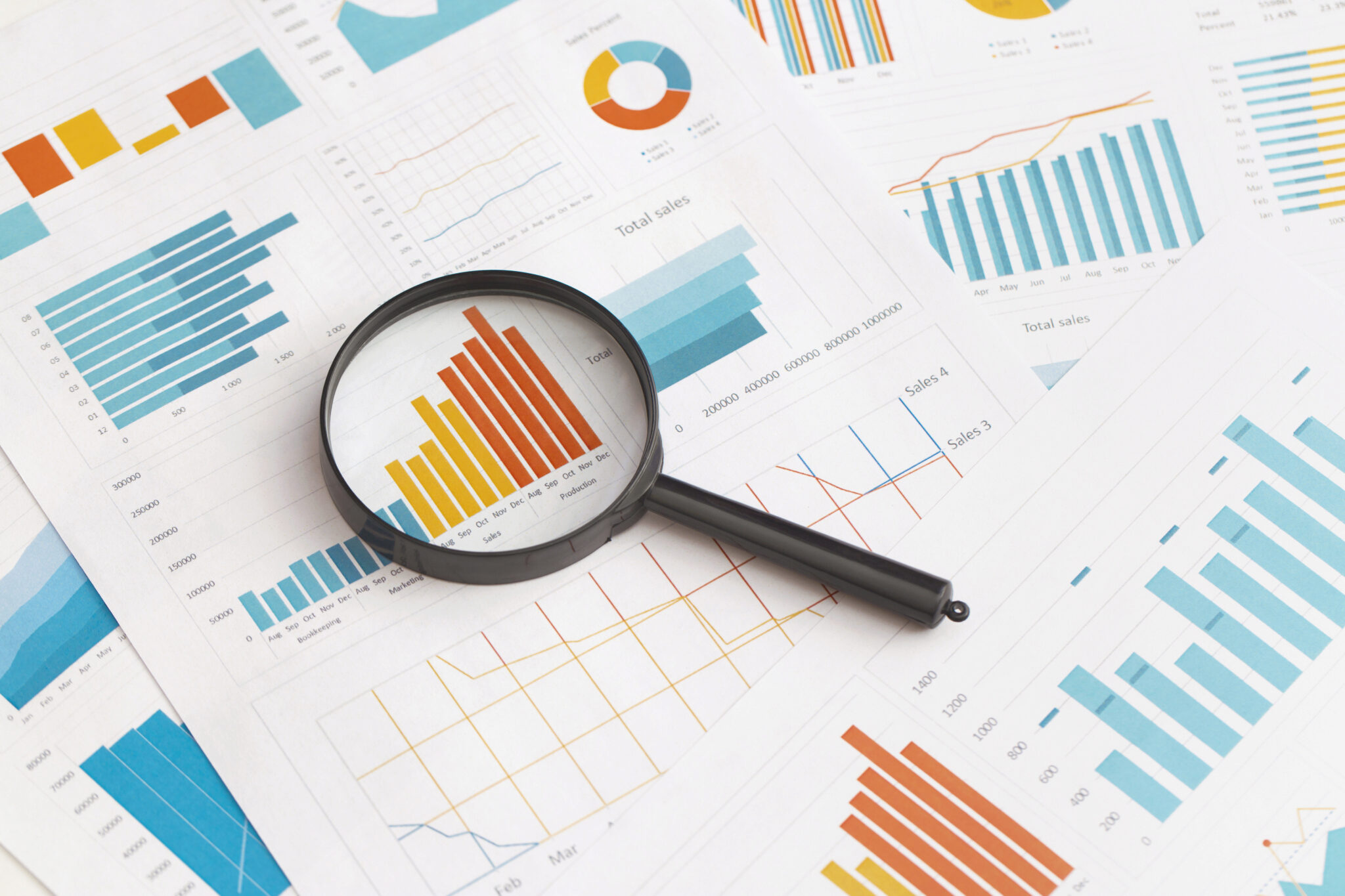
The Research & Statistics section supports ministry units, divisional leaders, and territorial staff with the data, analysis, and reporting tools needed to understand community need and demonstrate mission impact.
At the centre of this work is SAMIS — the Salvation Army Management Information System — which ministry units use to record program activity, track service delivery, and submit data that rolls up into divisional and territorial reports. The team also responds to data requests for specific statistics, extracts, and custom reporting.
What this section covers
-
SAMIS app — ministry unit activity recording and reporting
-
SAMIS Activity Finder — downloadable activity code reference
-
SAMIS Updates — release notes and system change information
-
Data request form — submit requests for statistics and custom extracts
-
Territorial and divisional reporting to support grant applications and leadership decisions
Salvation Army Management Information System
SAMIS is the system ministry units use to record program activity, track service delivery, and contribute data to territorial reporting. Three resources support your SAMIS use.
SAMIS App
Log in to SAMIS to record program activity, enter service data, and access your ministry unit's reporting dashboard. Use your Salvation Army network credentials to sign in.
Launch SAMIS ↗SAMIS Updates
Release notes, system changes, and announcements about updates to the SAMIS platform. Check here when you notice changes to the system or want to know what's new.
View updates →SAMIS Activity Finder
A downloadable spreadsheet to look up SAMIS activity codes and categories quickly — useful when entering data and unsure which activity code applies to a specific program or service.
Download XLSXNeed specific statistics or data?
Need statistics, data extracts or research support? Submit a request to the Research and Statistics team and we will follow up with you.
Common request types
- Participant counts and demographics for grant applications
- Program activity totals for annual reporting
- Divisional service delivery summaries for leadership
- Historical data extracts for trend analysis
- Ministry unit-specific SAMIS activity reports
Research & Statistics
Request Form
Include as much detail as possible — the specific data needed, the date range, and what it will be used for.
Submit a research request ↗Opens the request form in a new tab.
Questions about data or SAMIS?
community.mission@salvationarmy.ca
